A Ghanaian food favourite

Looks good. Tastes even better.

Signature fried rice, jollof and loaded combos, prepared with the consistent taste customers know. Use the app to order for pickup or delivery from a participating branch.

Customer support:054 488 5921Participating branches
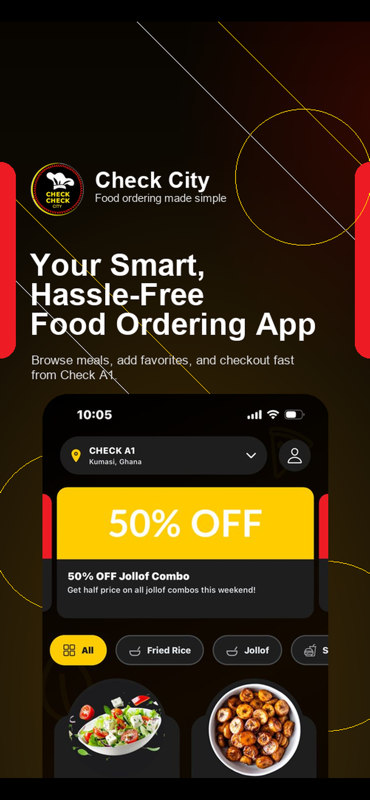
Check Check City app home screen with branch selection, offers and meal categories
Check Check CityPrepared meals, pickup and deliverySupport: 054 488 5921
Check Check City chef logo
Our story

A family dream, built one plate at a time.

Siblings Philipa Adusei and Dr Frank Danquah Adusei grew Check Check City from a long-held passion for food into a growing Ghanaian rice brand. As the business grows through new branches, the focus stays the same: authentic recipes, trained kitchens, dependable packaging and a better experience for every customer.

Meet Check Check City
How to order

Your next meal, without the guesswork.

The app keeps branch, menu, fulfilment, payment and order updates together.

01

Choose a branch

Allow location access for the nearest branch, or select one yourself.

02

Build your meal

Browse current meals, combos, photos, availability and prices.

03

Pick fulfilment

Choose pickup or delivery and review any delivery or service fee.

04

Pay and track

Pay cash or online by card or mobile money, then follow the order status.

The Check Check City app

The whole order fits in your hand.

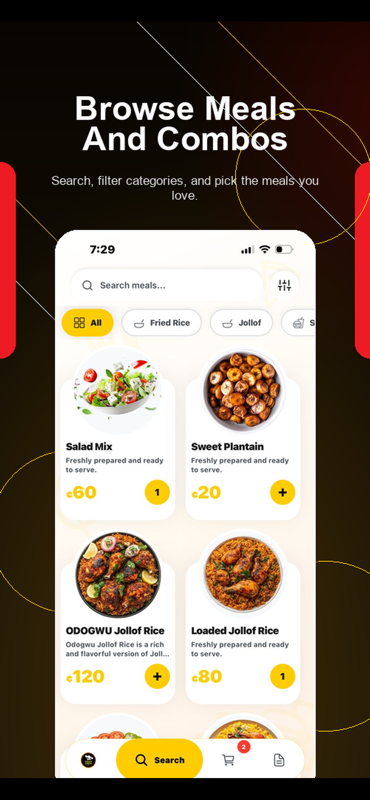
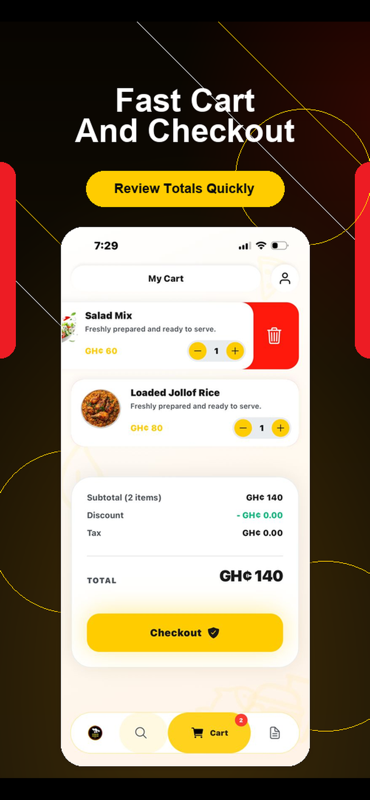
Browse by category, check totals before paying, manage delivery details and keep every order status in one place.
App home screen showing the nearest branch and an offer
Nearest branch and current offers
Menu screen with meal search, filters, pictures and prices
Searchable menu with clear prices
Cart screen showing food items, totals and checkout
Cart totals before checkout
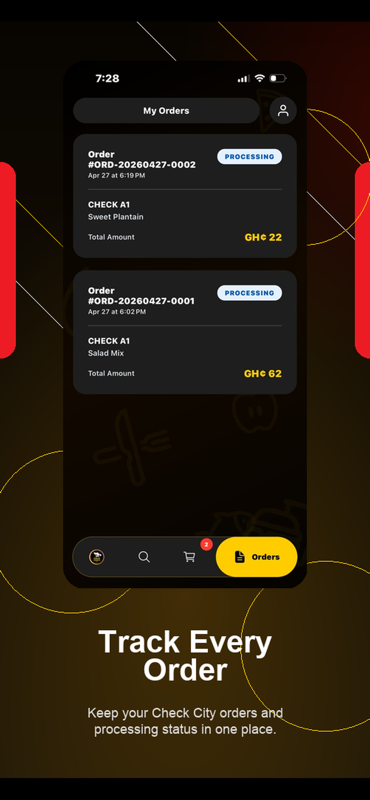
Orders screen showing current order progress
Order status and history
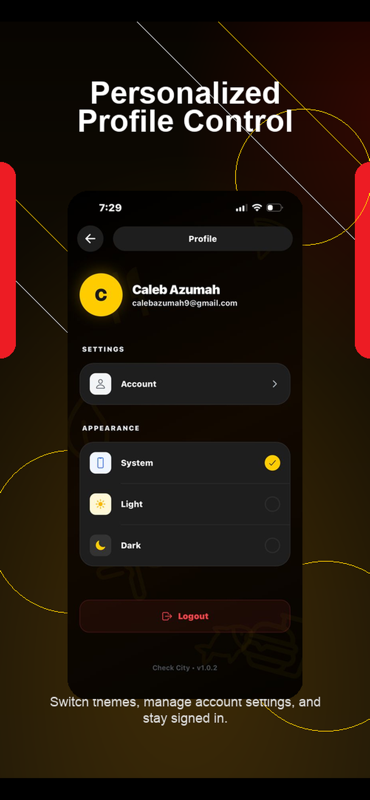
Profile screen with personal settings and theme controls
Profile and preferences
Delivery

From our branch to your door.

Your delivery coverage, fee and estimate are calculated before you place the order.

  • Confirm your address and phone number at checkout.
  • Follow the order as it moves from the kitchen to delivery.
  • Report a wrong, missing, damaged or unsafe meal within 30 minutes.
Pickup

Order ahead, collect with confidence.

Select pickup in the app, confirm the fulfilling branch and wait for the ready status before collecting.

  • Current branch availability is shown in the app.
  • Pay online or pay cash at the pickup location.
  • Bring your order details when collecting.
Quick answers

Before you order.

Read the full FAQ for payments, cancellations, allergens and account support.

View every question
Where can I see current prices and availability?
Open the Check Check City app and select your branch. Menu prices and availability can vary by branch and are confirmed before checkout.
Can I choose pickup instead of delivery?
Yes. Choose pickup at checkout, confirm the branch and wait until the order is marked ready before collecting it.
How do I cancel an order?
Call or message 054 488 5921 immediately. An order can be cancelled before the kitchen accepts it. Once accepted, preparation may already have begun.
What if there is a problem with my meal?
Report a wrong, missing, damaged or unsafe meal within 30 minutes of delivery or pickup. Include your order number and a clear description of the issue.
Ready when you are

Make it a Check Check meal.

Choose your branch, build your combo and decide whether we deliver or you collect.

Get the app